Command Center
The Operating ViewBehind Your Growth Plan
See what’s working. See what needs attention. Know what to do next.
Command Center connects your visibility, reputation, conversations, CRM activity, campaigns, and reporting — into one clear operating view.Built for owners who want clarity, not complexity.
What Is Command Center?
Command Center is your business growth operating system.
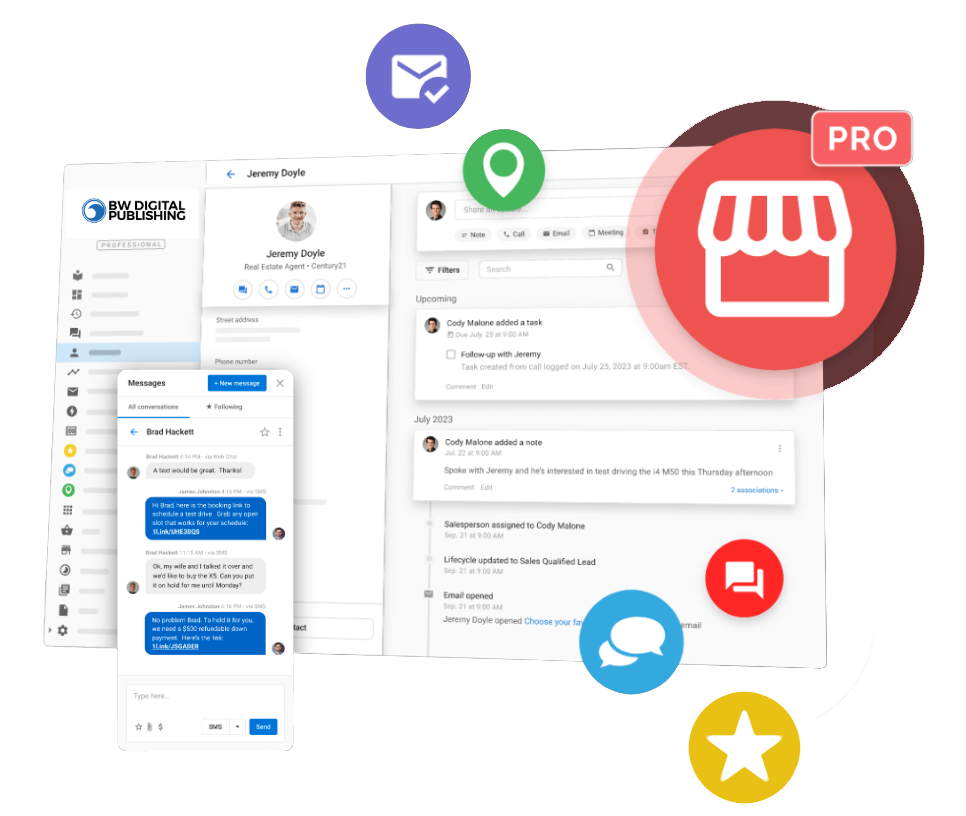
- Local SEO & listings visibility
- Reviews & reputation signals
- Digital advertising performance
- Conversations (calls, SMS, chat, AI receptionist)
- CRM pipeline & follow-up activity
- Automated Executive Reporting
Why It Exists
Leads come in. But no one can clearly answer what’s working, what’s leaking, and what to fix next — especially across multiple channels and locations.
- Where did this lead originate?
- Was it handled fast?
- Did it become booked work?
- Which location is converting best?
- What should we adjust next?
What You See Inside
- Listings accuracy
- Local SEO signals
- Search surface visibility
- Geo, SEO, AEO, VEO performance signals (when applicable)
- Review volume & trends
- Sentiment patterns
- Response activity
- Platform monitoring
- Calls (including missed-call follow-up)
- SMS & web chat
- AI-assisted reception (when configured)
- Team response visibility
- Contacts & lifecycle stages
- Tasks & follow-ups
- Deal tracking
- Team collaboration
- Location-level segmentation
- Lead volume
- Engagement activity
- Campaign performance
- Visibility improvements
- Trend reporting over time
Executive Reporting Built In
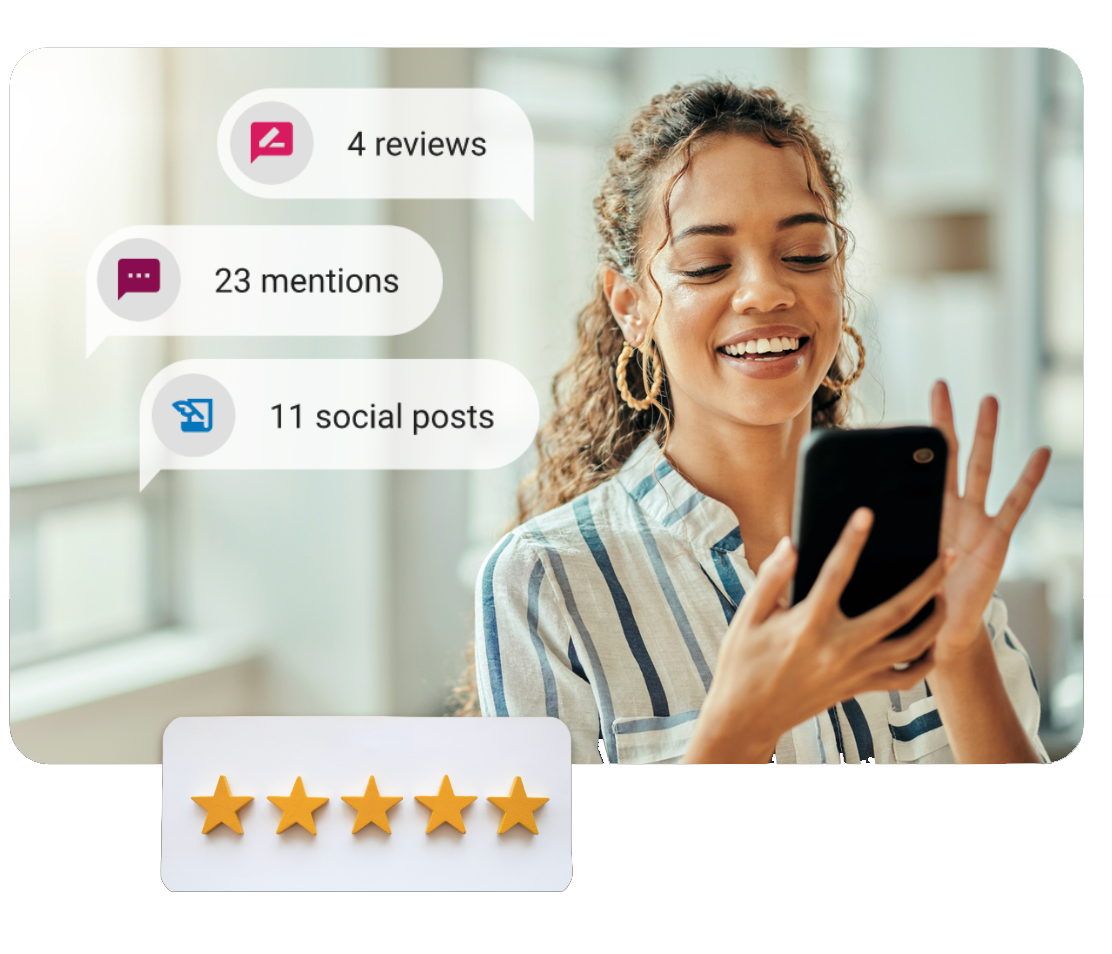
Command Center includes automated Executive Reports that summarize performance across your connected system. You can receive reports weekly or monthly.
- Visibility improvements
- Reputation growth
- Conversation activity
- Campaign performance
- Engagement signals
- Opportunity areas
- Google Analytics
- Google Search Console
- Google Ads
- Facebook Ads
- Listings management
- Reputation monitoring
Most businesses don’t cancel marketing because it isn’t working. They cancel because they can’t see what’s happening. Command Center keeps performance visible.
Frequently Asked Questions
Is Command Center just reporting software?+
No. Reporting is part of it — but Command Center is the live operating view of your connected growth system. It surfaces visibility, reputation, conversations, CRM movement, and performance together. Reporting summarizes it. The dashboard runs it.
Does this replace my existing CRM?+
It can. Command Center includes a built-in CRM. If you already use one, integration options depend on your setup and supported connections. The goal isn’t replacement for the sake of it — the goal is clarity.
Can I see advertising, SEO, and review performance together?+
Yes. When connected, Command Center consolidates SEO & listings visibility, reputation activity, paid advertising data, conversation activity, and CRM movement — so you can see how visibility and trust translate into leads and follow-up.
Can this support multiple locations?+
Yes. Command Center includes multi-location views that allow roll-up performance, location comparisons, standardized oversight, and visibility into which markets are converting best.
Will I receive regular performance updates?+
Yes. Automated Executive Reports can be delivered weekly or monthly, summarizing performance trends and surfacing opportunities. You don’t have to request them — they’re built into the system once sources are connected.
Make Every Opportunity Count.
Command Center helps you see what happens after customers find you — from visibility and conversations to follow-up, reporting, and real opportunities.